AI Agent Development for Business: A Practical Build Guide
AI agent development for international teams: choose a workflow, set action boundaries and prove value in a supervised pilot.
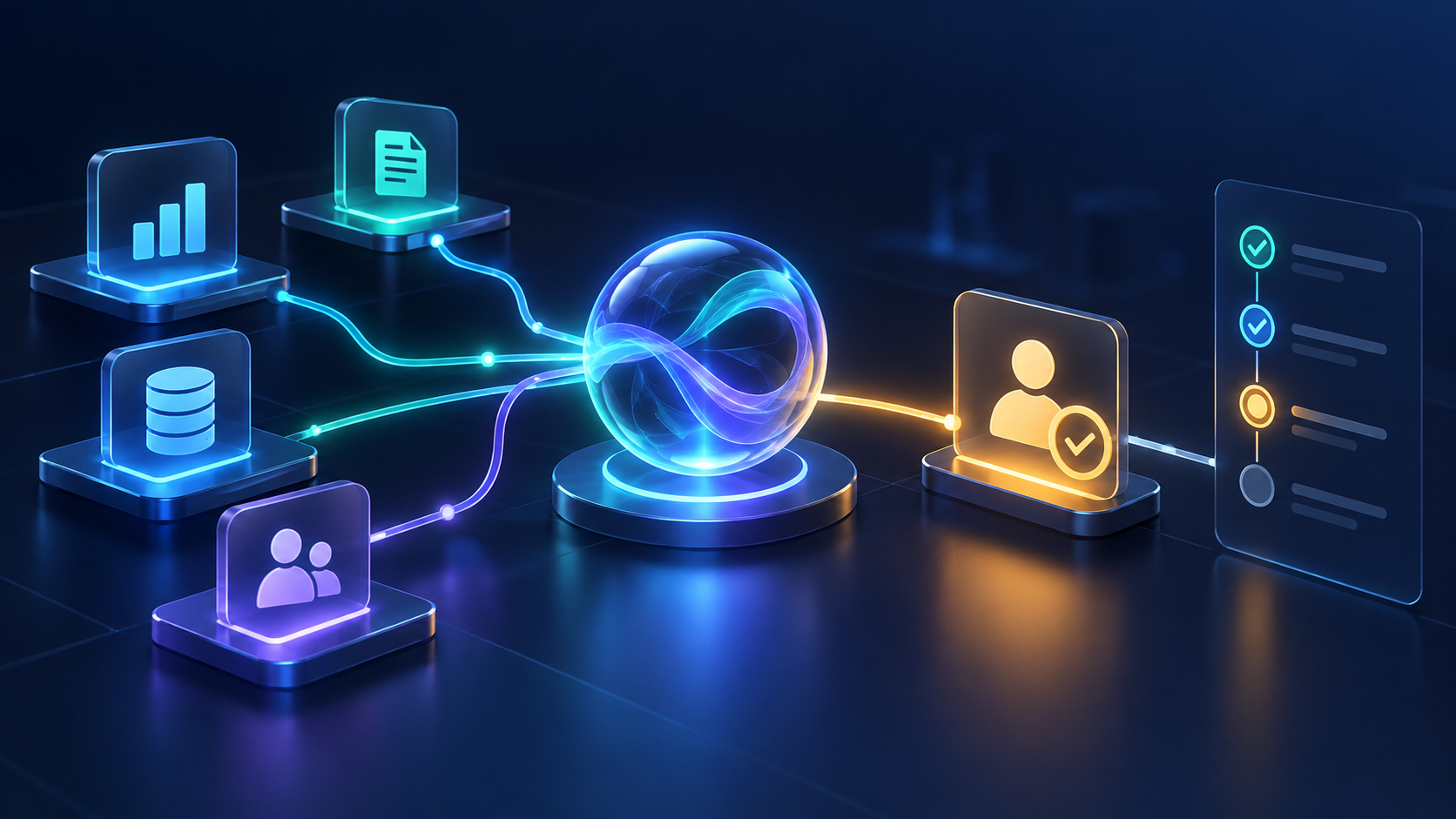
AI agent development can help when software needs to interpret a request, choose from a limited set of approved tools and move a task through several steps. That can support work such as preparing a case summary, checking records or drafting a response. It also creates a design question: what may the system do, under whose authority and with what review?
Key takeaways
- Use an agent only when a task needs flexible decisions across steps or tools. A deterministic workflow, form, search feature or conventional chatbot may be simpler.
- Define the task boundary, user identity, permitted tools, stop conditions and escalation path before writing prompts or connecting systems.
- Start with read-only access or draft-only output. Require deterministic approval before sending, deleting, purchasing, deploying or changing access.
- Measure a bounded pilot against the existing process for task completion, error severity, review time, cost and user acceptance.
- For international teams, agree on data flows, support coverage, working-hour overlap and escalation ownership with the actual vendor and system architecture.
What AI agent development means for a business
In a business application, an AI agent typically combines a language model with instructions, context, tools and an execution loop. It may decide whether to search a knowledge source, query an approved API, draft an output or ask for help. The application around the model still needs to authenticate users, validate inputs, enforce permissions, handle failures and record outcomes.
The phrase “agent” covers different designs. A direct model call can summarize or classify a single request. A single agent with a small set of tools can handle a variable workflow. Multi-agent orchestration adds coordination between specialized components and is justified only when the added separation or parallel work solves a real requirement. Microsoft’s architecture guidance recommends choosing the lowest complexity that meets the need and describes coordination overhead in multi-agent systems. Read the orchestration patterns.
That distinction matters because a chatbot that answers questions from company documents is not automatically an agent. If your primary requirement is grounded answers with source references, start with our AI chatbot build-versus-buy guide or RAG development guide.
Agent, workflow automation or chatbot?
| Approach | Consider it when… | What to verify |
|---|---|---|
| Rules-based workflow | Inputs, steps and outcomes are known and repeatable. | Exception handling, business rules, retries and ownership when a system is unavailable. |
| RPA or integration automation | The work follows stable steps across existing applications or APIs. | Connector reliability, permissions, change management and the cost of maintaining integrations. |
| Chatbot or search assistant | People need to ask questions, find information or receive a draft answer. | Source quality, citations, access filtering, escalation and answer evaluation. |
| AI agent | The task involves variable requests and the system must select among approved tools or steps. | Action boundaries, identity, tool validation, review gates, stop conditions and auditability. |
These approaches can be combined. A practical agent workflow often uses deterministic code for permissions, data validation and high-impact actions, while the model handles language interpretation or a decision that benefits from context. If a normal API call or small workflow already solves the problem, adding autonomy may increase testing and operational work without a clear benefit.
Choose the right first workflow
Start with the work, not the model. Map the current process from the first user request to the final outcome. Include the systems involved, people who approve exceptions, time spent, common error types and what happens when required information is missing.
A candidate workflow is easier to assess when you can answer:
- Who initiates the task, and which records may that person access?
- What is the business result, and how is success measured today?
- Which steps require interpretation, and which should remain deterministic?
- What data may be read, written or shared with each tool?
- What action could cause harm, financial loss, privacy exposure or customer confusion if it is wrong?
- When must the agent stop and ask a person to review, correct or take over?
Good pilots usually have a narrow audience, a defined set of inputs and an output that can be checked. Examples include preparing a first draft for a support agent, assembling information for a sales representative, or flagging fields in a document for a human reviewer. These are examples to evaluate, not claims that every organization should automate them.
Do not begin with an agent that can freely browse internal systems, contact customers, modify financial records or trigger production changes. Those actions need explicit authority, reliable validation and review designed into the application.
Choosing an AI agent development company: buy, configure or custom-build?
A managed product is worth testing when its connectors, identity model, workflow controls and user experience match the task. Configuration may be enough when the process is mostly standard but needs company-specific rules or content. Custom AI agent development is worth evaluating when the workflow must fit a product or operational system, permission model, interface or approval process that a suitable platform cannot support.
| Decision area | Questions to answer before committing |
|---|---|
| Workflow fit | Can the product handle the real exceptions and escalation paths, or only the polished demo scenario? |
| Identity and permissions | Can every tool call be constrained to the signed-in user, required records and permitted actions? |
| Integration | Are the required systems and data fields supported with the refresh, write and deletion behavior you need? |
| Review and control | Can a person see what the agent plans to do, approve or reject it, and interrupt the workflow? |
| Evaluation | Can you run repeatable tests on representative requests and observe tool choices, errors and final outcomes? |
| Portability and exit | What happens to prompts, workflow logic, logs, evaluation cases and integrations if you change provider? |
| Operating ownership | Who manages incidents, access changes, model updates, user feedback and ongoing evaluation? |
Compare total cost over the same period, not just an initial build quote or a monthly license. Include discovery, integrations, model and tool usage, data preparation, evaluation, security review, human review, monitoring, support and future changes. Ask providers for assumptions and exclusions; there is no reliable project price without the workflow, access model and delivery scope.
Design permissions, approvals and failure handling
Agent safety should be enforced by the application, not left to the model’s judgment. Microsoft’s security guidance recommends narrowly scoped tool access, explicit action schemas, logging and deterministic human approval for high-risk or irreversible actions. Its AI architecture guidance also describes identity-aware retrieval and safe tool-use controls. Review the secure agentic systems guidance.
- Give the agent a specific identity. Use the platform’s supported identity and authorization model. Keep credentials outside prompts and limit access to only the tools and records required for the task.
- Allowlist tools and actions. Define the exact operations, inputs and limits. Validate values, target records and permissions in ordinary application code before a tool runs.
- Use a staged permission path. Start with read-only access. If the pilot is reliable, consider draft-only output next. Add write or external actions only after explicit testing and approval design.
- Require review where consequences are high. Place a human checkpoint before sending external messages, changing access, deleting information, making purchases or committing changes that are hard to reverse.
- Set stop conditions. Bound tool-call counts and time, define when missing or conflicting information triggers a handoff, and make retries safe. Never let a failed approval silently turn into execution.
- Log enough to investigate. Record the request context allowed by your policy, tool chosen, validated inputs, approvals, outputs, errors and human corrections. Protect logs according to their data sensitivity and retention needs.
These are engineering controls, not a compliance certificate. NIST’s Generative AI Profile is a voluntary risk-management resource organizations can use to identify and manage generative-AI risks across the lifecycle. A qualified security, privacy or legal reviewer should assess the requirements for your specific use case and markets. Read NIST AI 600-1.
A six-step pilot plan
- Baseline the current task. Record representative requests, cycle time, human review effort, error severity and escalation rate.
- Write an acceptance brief. Name the user, task, allowed data, permitted tools, actions that need approval, stop conditions and success thresholds.
- Build an evaluation set. Include routine cases, ambiguous requests, missing data, conflicting records, unauthorized access attempts and prompt-injection-like content in supplied documents.
- Prototype with minimal authority. Use test data or read-only access, constrain tools and keep side effects disabled until tests support advancing.
- Review failures with owners. Have operations, product, engineering and security reviewers classify errors by severity and determine whether the workflow should stop, ask or continue.
- Run a supervised pilot. Limit users and duration. Compare it with the baseline, track overrides and incidents, then decide whether to improve, expand or stop.
Useful pilot measures include task completion without rework, time to an approved outcome, tool-call validity, severity-weighted errors, human override rate, per-task cost and user acceptance. Set thresholds before the pilot. A high completion rate alone can hide serious permission or action errors.
Questions for US, UK, UAE and European buyers
Buying software internationally is a delivery decision as well as a technical one. Techronyx is based in Pune, India and offers remote software and AI project work. Before selecting any partner, document what your team needs rather than assuming that one market’s procurement, support or data requirements apply everywhere.
- US teams: Who owns the workflow and security review? What evidence, incident response expectations, service hours and support escalation does procurement require?
- UK teams: Which data locations, subprocessors, retention periods and support arrangements need review? How will the vendor communicate changes and incidents across time zones?
- Dubai and Abu Dhabi teams: What hosting, language, support-hours, sector and procurement requirements apply to the actual organization and data? Can the team demonstrate the proposed configuration?
- European teams: Which data flows, access controls, deletion behavior, subprocessors and support arrangements must your privacy and security reviewers validate?
Ask for a written delivery plan: named owners, overlap hours, communication channel, demo cadence, acceptance criteria, escalation path and handover documentation. Confirm the model provider, deployment region and data-flow details in the architecture you plan to use; do not rely on a general marketing statement to answer a specific procurement question.
Frequently asked questions
What does an AI agent development company build?
Do we need multiple AI agents for an enterprise workflow?
Should an AI agent be allowed to send emails or update a CRM?
How should we evaluate an AI agent pilot?
How much does custom AI agent development cost?
Can an Indian software team work with a US, UK, UAE or European buyer?
References
- Microsoft Azure Architecture Center: AI agent orchestration patterns
- Microsoft Security: Secure autonomous agentic AI systems
- Microsoft Azure Well-Architected Framework: application design for AI workloads
- NIST AI 600-1: Artificial Intelligence Risk Management Framework, Generative AI Profile
Planning an AI workflow for your team? See Techronyx AI and automation services, compare the use case with our chatbot build-versus-buy guide, or share your workflow with our team. Techronyx is based in Pune, India and works with international project teams.